 dc243e4cf9
* feat(web): add blog section with 4 initial posts Implements MKT-66 through MKT-74: Content Layer (MKT-67): - Markdown files in src/content/blog with Zod-validated frontmatter - Pacific Time scheduling evaluated at request-time (no deploy needed) - gray-matter for parsing, react-markdown + remark-gfm for rendering Blog Pages (MKT-68, MKT-69): - Index page at /blog with dynamic SSR - Post page at /blog/[slug] with dynamic SSR - Breadcrumb navigation and prev/next post navigation SEO (MKT-70): - Full OpenGraph and Twitter card metadata - Schema.org JSON-LD (Article, BreadcrumbList, CollectionPage) - Canonical URLs pointing to roocode.com/blog Analytics (MKT-74): - PostHog blog_post_viewed and blog_index_viewed events - Referrer tracking for attribution Navigation (MKT-72): - Updated nav-bar and footer to link to internal /blog - Blog link in Resources dropdown Sitemap (MKT-71): - Dynamic blog paths with PT scheduling check Initial Posts: - PRDs Are Becoming Artifacts of the Past (Jan 12) - Code Review Got Faster, Not Easier (Jan 19) - Vibe Coders Build and Rebuild (Jan 26) - Async Agents Change the Speed vs Quality Calculus (Feb 2) * fix(test): update HistoryPreview tests to match refactored component The HistoryPreview component was refactored to use useGroupedTasks and TaskGroupItem instead of rendering TaskItem directly. This updates the test file to properly mock the new dependencies: - Mock useGroupedTasks hook to provide grouped task data - Mock TaskGroupItem instead of TaskItem - Update assertions to test for task groups instead of individual tasks * feat(blog): add Vercel-inspired patterns and Tone of Voice alignment - Add reading time display to blog posts - Create BlogPostCTA component with 4 variants (default, extension, cloud, enterprise) - Add zebra striping to tables in blog posts - Add CTA to blog landing and paginated pages - Remove 'Posted' prefix from dates - Update blog description: 'How teams use agents to iterate, review, and ship PRs with proof' - Add BlogPostList and BlogPagination components - Add 100+ new blog posts from content pipeline * feat(blog): add source badges for podcast content (Office Hours, After Hours, Roo Cast) - Add BlogSource type to types.ts - Export BlogSource from blog index - Add SourceBadge component to BlogPostList with colored badges - Each podcast has distinct color: blue (Office Hours), purple (After Hours), emerald (Roo Cast) * feat(blog): add source field to all blog posts (Roo Cast, Office Hours, After Hours) - Add add-blog-sources.ts script to build title→source mapping - Updated 122 blog posts with correct podcast sources - Sources: Roo Cast (52), Office Hours (62), After Hours (8) * feat(blog): add source badges with consistent styling - Add source field to Zod validation schema - Source badges use same styling as tag badges (rounded, greyscale) - Badges display on /blog landing page for Office Hours, After Hours, Roo Cast * feat(blog): improve schema.org structured data for SEO - Change @type from Article to BlogPosting (more specific) - Add image property using OG image URL - Add wordCount for AEO optimization * feat(blog): timestamped YouTube quotes + attribution polish * chore(blog): update 'Series A team' to 'Series A - C team' and fix 'Tovin' to 'Tovan' - Changed 22 instances of 'Series A team' to 'Series A - C team' across 20 blog posts - Changed 12 instances of 'Tovin' to 'Tovan' across 4 blog posts This broadens the messaging to better represent teams that Roo Code serves (Series A through C). * ci: retry CI after timeout * blog: featured posts + copy edits * blog: remove draft posts from web content * fix(blog): loop HTML tag stripping to prevent incomplete sanitization The single-pass .replace(/<[^>]+>/g, "") in calculateReadingTime() was flagged by CodeQL as vulnerable to incomplete multi-character sanitization. Input like "<scr<script>ipt>" would still contain "<script" after one pass. Added a stripHtmlTags() helper that loops the replacement until stable, plus a final pass to remove any remaining angle brackets. * fix(blog): replace iterative HTML tag stripping with single-pass angle bracket removal The CodeQL scanner flagged the iterative stripHtmlTags function for incomplete multi-character sanitization. The regex /<[^>]+>/g only matches complete tags, so partial fragments like <script (without a closing >) could survive intermediate loop iterations. Since this function is only used for word counting in calculateReadingTime, replace the multi-step approach with a simple single-pass removal of all < and > characters. This eliminates the incomplete sanitization pattern entirely. --------- Co-authored-by: Roo Code <roomote@roocode.com> Co-authored-by: Michael Preuss <michael@roocode.com> |
||
|---|---|---|
| .changeset | ||
| .github | ||
| .husky | ||
| .roo | ||
| .vscode | ||
| apps | ||
| locales | ||
| packages | ||
| releases | ||
| scripts | ||
| src | ||
| webview-ui | ||
| .dockerignore | ||
| .env.sample | ||
| .git-blame-ignore-revs | ||
| .gitattributes | ||
| .gitconfig | ||
| .gitignore | ||
| .nvmrc | ||
| .prettierrc.json | ||
| .rooignore | ||
| .roomodes | ||
| .tool-versions | ||
| AGENTS.md | ||
| CHANGELOG.md | ||
| CODE_OF_CONDUCT.md | ||
| CONTRIBUTING.md | ||
| ellipsis.yaml | ||
| knip.json | ||
| LICENSE | ||
| package.json | ||
| pnpm-lock.yaml | ||
| pnpm-workspace.yaml | ||
| PRIVACY.md | ||
| progress.txt | ||
| README.md | ||
| renovate.json | ||
| SECURITY.md | ||
| tsconfig.json | ||
| turbo.json | ||




Get help fast → Join Discord • Prefer async? → Join r/RooCode
Roo Code
Your AI-Powered Dev Team, Right in Your Editor
🌐 Available languages
What Can Roo Code Do For YOU?
- Generate Code from natural language descriptions and specs
- Adapt with Modes: Code, Architect, Ask, Debug, and Custom Modes
- Refactor & Debug existing code
- Write & Update documentation
- Answer Questions about your codebase
- Automate repetitive tasks
- Utilize MCP Servers
Modes
Roo Code adapts to how you work:
- Code Mode: everyday coding, edits, and file ops
- Architect Mode: plan systems, specs, and migrations
- Ask Mode: fast answers, explanations, and docs
- Debug Mode: trace issues, add logs, isolate root causes
- Custom Modes: build specialized modes for your team or workflow
- Roomote Control: Roomote Control lets you remotely control tasks running in your local VS Code instance.
Learn more: Using Modes • Custom Modes • Roomote Control
Tutorial & Feature Videos
 Installing Roo Code |
 Configuring Profiles |
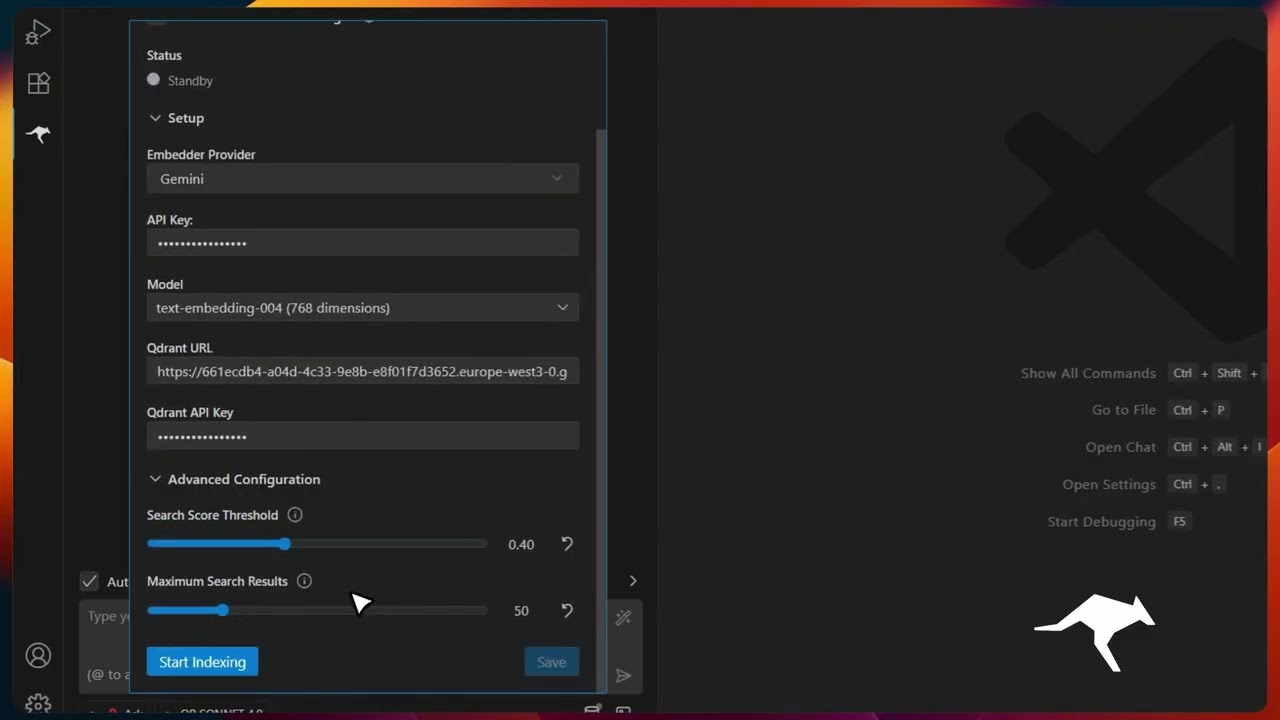 Codebase Indexing |
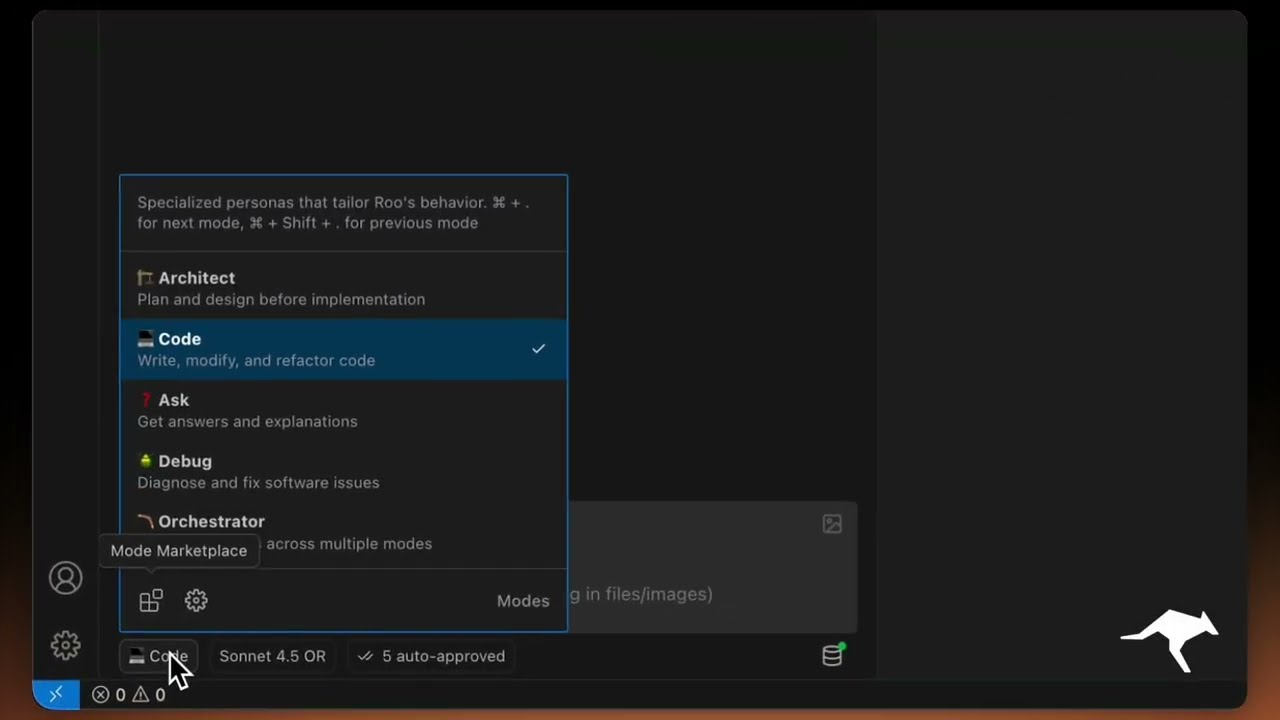 Custom Modes |
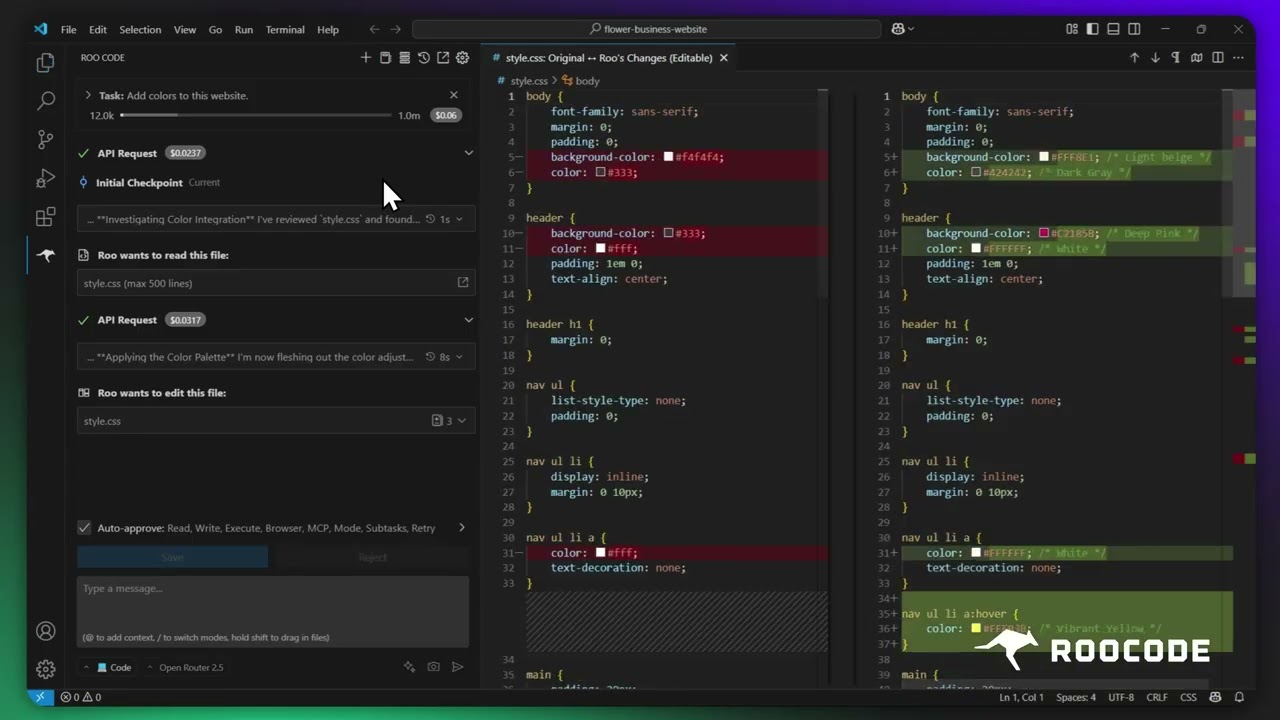 Checkpoints |
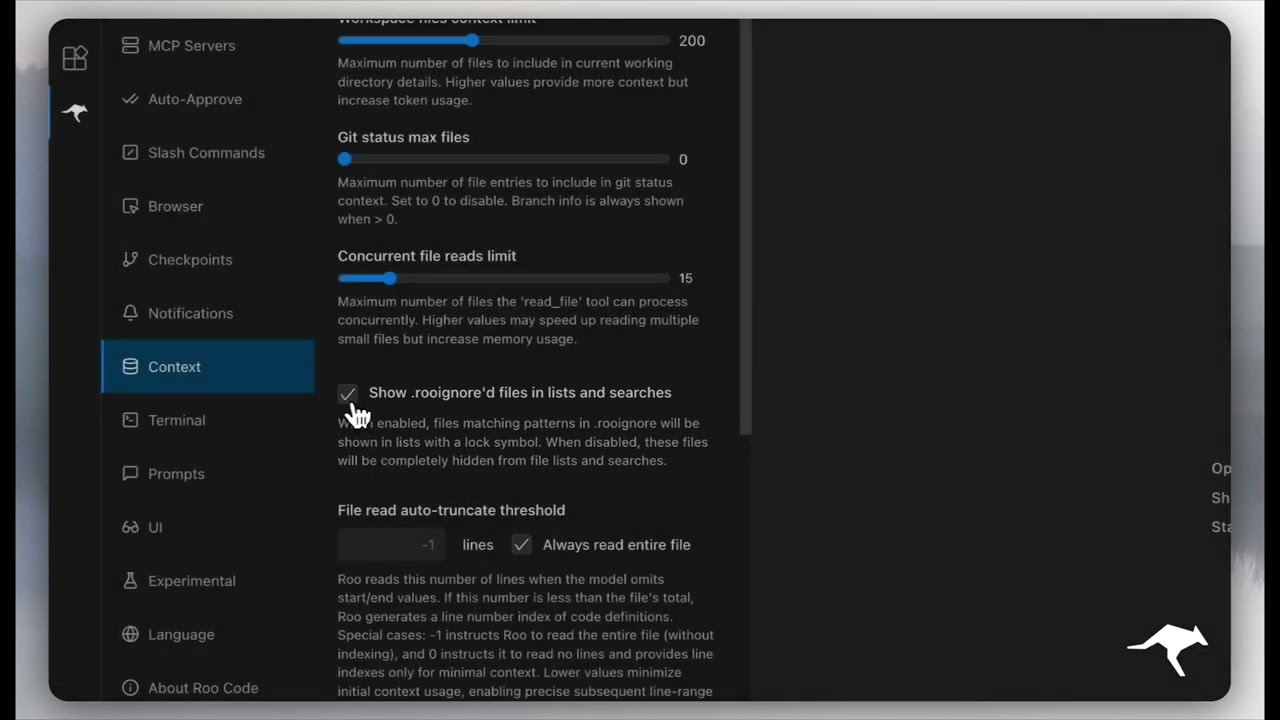 Context Management |
More quick tutorial and feature videos...
Resources
- Documentation: The official guide to installing, configuring, and mastering Roo Code.
- YouTube Channel: Watch tutorials and see features in action.
- Discord Server: Join the community for real-time help and discussion.
- Reddit Community: Share your experiences and see what others are building.
- GitHub Issues: Report bugs and track development.
- Feature Requests: Have an idea? Share it with the developers.
Local Setup & Development
- Clone the repo:
git clone https://github.com/RooCodeInc/Roo-Code.git
- Install dependencies:
pnpm install
- Run the extension:
There are several ways to run the Roo Code extension:
Development Mode (F5)
For active development, use VSCode's built-in debugging:
Press F5 (or go to Run → Start Debugging) in VSCode. This will open a new VSCode window with the Roo Code extension running.
- Changes to the webview will appear immediately.
- Changes to the core extension will also hot reload automatically.
Automated VSIX Installation
To build and install the extension as a VSIX package directly into VSCode:
pnpm install:vsix [-y] [--editor=<command>]
This command will:
- Ask which editor command to use (code/cursor/code-insiders) - defaults to 'code'
- Uninstall any existing version of the extension.
- Build the latest VSIX package.
- Install the newly built VSIX.
- Prompt you to restart VS Code for changes to take effect.
Options:
-y: Skip all confirmation prompts and use defaults--editor=<command>: Specify the editor command (e.g.,--editor=cursoror--editor=code-insiders)
Manual VSIX Installation
If you prefer to install the VSIX package manually:
- First, build the VSIX package:
pnpm vsix - A
.vsixfile will be generated in thebin/directory (e.g.,bin/roo-cline-<version>.vsix). - Install it manually using the VSCode CLI:
code --install-extension bin/roo-cline-<version>.vsix
We use changesets for versioning and publishing. Check our CHANGELOG.md for release notes.
Disclaimer
Please note that Roo Code, Inc does not make any representations or warranties regarding any code, models, or other tools provided or made available in connection with Roo Code, any associated third-party tools, or any resulting outputs. You assume all risks associated with the use of any such tools or outputs; such tools are provided on an "AS IS" and "AS AVAILABLE" basis. Such risks may include, without limitation, intellectual property infringement, cyber vulnerabilities or attacks, bias, inaccuracies, errors, defects, viruses, downtime, property loss or damage, and/or personal injury. You are solely responsible for your use of any such tools or outputs (including, without limitation, the legality, appropriateness, and results thereof).
Contributing
We love community contributions! Get started by reading our CONTRIBUTING.md.
License
Apache 2.0 © 2025 Roo Code, Inc.
Enjoy Roo Code! Whether you keep it on a short leash or let it roam autonomously, we can’t wait to see what you build. If you have questions or feature ideas, drop by our Reddit community or Discord. Happy coding!