 d52b6834e3
* fix: cancel backend auto-approval timeout when auto-approve is toggled off mid-countdown (#11439) Co-authored-by: Sannidhya <sann@Sannidhyas-MacBook-Pro.local> * fix: prevent chat history loss during cloud/settings navigation (#11371) (#11372) Co-authored-by: Sannidhya <sann@Sannidhyas-MacBook-Pro.local> * fix: preserve pasted images in chatbox during chat activity (#11375) Co-authored-by: Roo Code <roomote@roocode.com> * fix: resolve chat scroll anchoring and task-switch scroll race condit… (#11385) * fix: avoid zsh process-substitution false positives in assignments (#11365) * fix(editor): make tab close best-effort in DiffViewProvider.open (#11363) * fix(checkpoints): canonicalize core.worktree comparison to prevent Windows path mismatch failures (#11346) * fix: prevent double notification sound playback (#11283) * fix: prevent false unsaved changes prompt with OpenAI Compatible headers (#8230) (#11334) fix: prevent false unsaved changes prompt with OpenAI Compatible headers Mark automatic header syncs in ApiOptions and OpenAICompatible as non-user actions (isUserAction: false) and enhance SettingsView change detection to skip automatic syncs with semantically equal values. Root cause: two components (ApiOptions and OpenAICompatible) manage openAiHeaders state and automatically sync it back on mount/remount. These syncs were treated as user changes, triggering a false dirty state. Co-authored-by: Robert McIntyre <robertjmcintyre@users.noreply.github.com> * fix: remove noisy console.warn logs from NativeToolCallParser (#11264) Remove two console.warn messages that fire excessively when loading tasks from history: - 'Attempting to finalize unknown tool call' in finalizeStreamingToolCall() - 'Received chunk for unknown tool call' in processStreamingChunk() The defensive null-return behavior is preserved; only the log output is removed. * refactor: remove footgun prompting (file-based system prompt override) (#11387) * refactor: delete orphaned per-provider caching transform files (#11388) * feat: add disabledTools setting to globally disable native tools (#11277) * feat: add disabledTools setting to globally disable native tools Add a disabledTools field to GlobalSettings that allows disabling specific native tools by name. This enables cloud agents to be configured with restricted tool access. Schema: - Add disabledTools: z.array(toolNamesSchema).optional() to globalSettingsSchema - Add disabledTools to organizationDefaultSettingsSchema.pick() - Add disabledTools to ExtensionState Pick type Prompt generation (tool filtering): - Add disabledTools to BuildToolsOptions interface - Pass disabledTools through filterSettings to filterNativeToolsForMode() - Remove disabled tools from allowedToolNames set in filterNativeToolsForMode() Execution-time validation (safety net): - Extract disabledTools from state in presentAssistantMessage - Convert disabledTools to toolRequirements format for validateToolUse() Wiring: - Add disabledTools to ClineProvider getState() and getStateToPostToWebview() - Pass disabledTools to all buildNativeToolsArrayWithRestrictions() call sites EXT-778 * fix: check toolRequirements before ALWAYS_AVAILABLE_TOOLS Moves the toolRequirements check before the ALWAYS_AVAILABLE_TOOLS early-return in isToolAllowedForMode(). This ensures disabledTools can block always-available tools (switch_mode, new_task, etc.) at execution time, making the validation layer consistent with the filtering layer. * feat: add support for .agents/skills directory (#11181) * feat: add support for .agents/skills directory This change adds support for discovering skills from the .agents/skills directory, following the Agent Skills convention for sharing skills across different AI coding tools. Priority order (later entries override earlier ones): 1. Global ~/.agents/skills (shared across AI coding tools, lowest priority) 2. Project .agents/skills 3. Global ~/.roo/skills (Roo-specific) 4. Project .roo/skills (highest priority) Changes: - Add getGlobalAgentsDirectory() and getProjectAgentsDirectoryForCwd() functions to roo-config - Update SkillsManager.getSkillsDirectories() to include .agents/skills - Update SkillsManager.setupFileWatchers() to watch .agents/skills - Add tests for new functionality * fix: clarify skill priority comment to match actual behavior * fix: clarify skill priority comment to explain Map.set replacement mechanism --------- Co-authored-by: Roo Code <roomote@roocode.com> * feat(history): render nested subtasks as recursive tree (#11299) * feat(history): render nested subtasks as recursive tree * fix(lockfile): resolve missing ai-sdk provider entry * fix: address review feedback — dedupe countAll, increase SubtaskRow max-h - HistoryView: replace local countAll with imported countAllSubtasks from types.ts - SubtaskRow: increase nested children max-h from 500px to 2000px to match TaskGroupItem * perf(refactor): consolidate getState calls in resolveWebviewView (#11320) * perf(refactor): consolidate getState calls in resolveWebviewView Replace three separate this.getState().then() calls with a single await this.getState() and destructuring. This avoids running the full getState() method (CloudService calls, ContextProxy reads, etc.) three times during webview view resolution. * fix: keep getState consolidation non-blocking to avoid delaying webview render --------- Co-authored-by: daniel-lxs <ricciodaniel98@gmail.com> * fix: harden command auto-approval against inline JS false positives (#11382) * feat: rename search_and_replace tool to edit and unify edit-family UI (#11296) * Revert "refactor: delete orphaned per-provider caching transform files (#11388)" This reverts commit |
||
|---|---|---|
| .changeset | ||
| .github | ||
| .husky | ||
| .roo | ||
| .vscode | ||
| apps | ||
| locales | ||
| packages | ||
| releases | ||
| scripts | ||
| src | ||
| webview-ui | ||
| .dockerignore | ||
| .env.sample | ||
| .git-blame-ignore-revs | ||
| .gitattributes | ||
| .gitconfig | ||
| .gitignore | ||
| .nvmrc | ||
| .prettierrc.json | ||
| .rooignore | ||
| .roomodes | ||
| .tool-versions | ||
| AGENTS.md | ||
| CHANGELOG.md | ||
| CODE_OF_CONDUCT.md | ||
| CONTRIBUTING.md | ||
| ellipsis.yaml | ||
| knip.json | ||
| LICENSE | ||
| package.json | ||
| pnpm-lock.yaml | ||
| pnpm-workspace.yaml | ||
| PRIVACY.md | ||
| README.md | ||
| renovate.json | ||
| SECURITY.md | ||
| tsconfig.json | ||
| turbo.json | ||




Get help fast → Join Discord • Prefer async? → Join r/RooCode
Roo Code
Your AI-Powered Dev Team, Right in Your Editor
🌐 Available languages
What Can Roo Code Do For YOU?
- Generate Code from natural language descriptions and specs
- Adapt with Modes: Code, Architect, Ask, Debug, and Custom Modes
- Refactor & Debug existing code
- Write & Update documentation
- Answer Questions about your codebase
- Automate repetitive tasks
- Utilize MCP Servers
Modes
Roo Code adapts to how you work:
- Code Mode: everyday coding, edits, and file ops
- Architect Mode: plan systems, specs, and migrations
- Ask Mode: fast answers, explanations, and docs
- Debug Mode: trace issues, add logs, isolate root causes
- Custom Modes: build specialized modes for your team or workflow
- Roomote Control: Roomote Control lets you remotely control tasks running in your local VS Code instance.
Learn more: Using Modes • Custom Modes • Roomote Control
Tutorial & Feature Videos
 Installing Roo Code |
 Configuring Profiles |
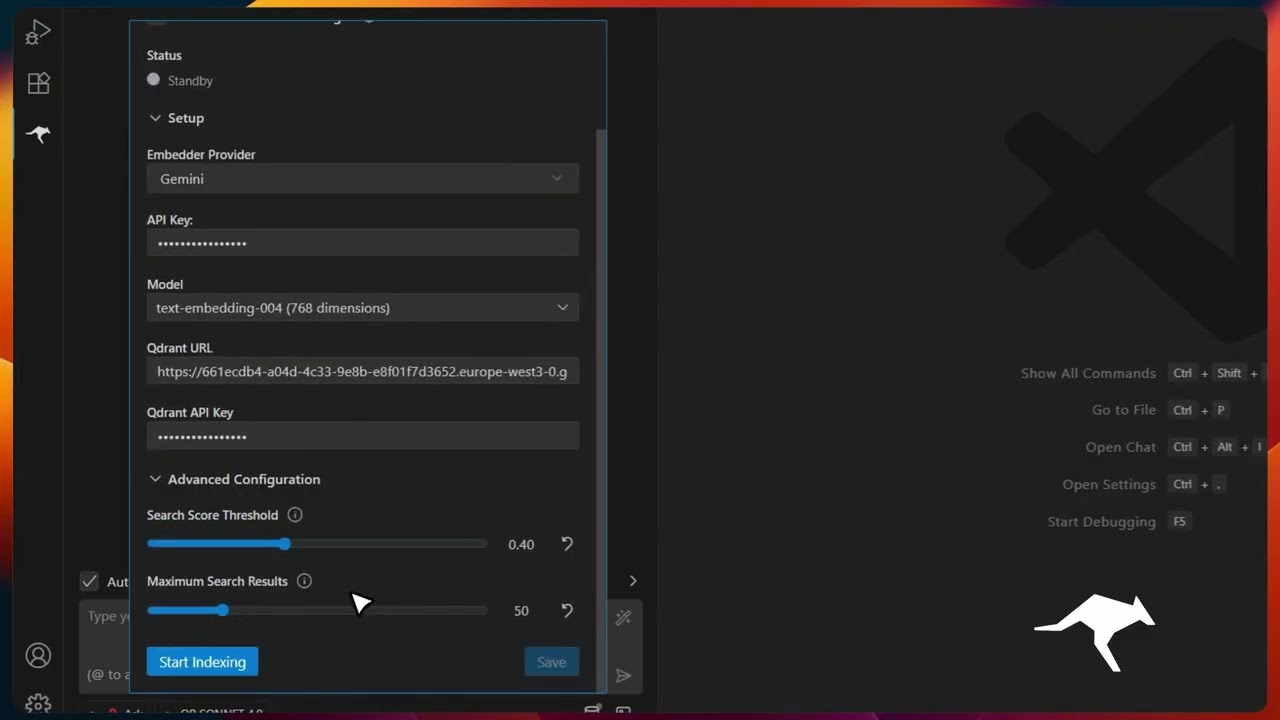 Codebase Indexing |
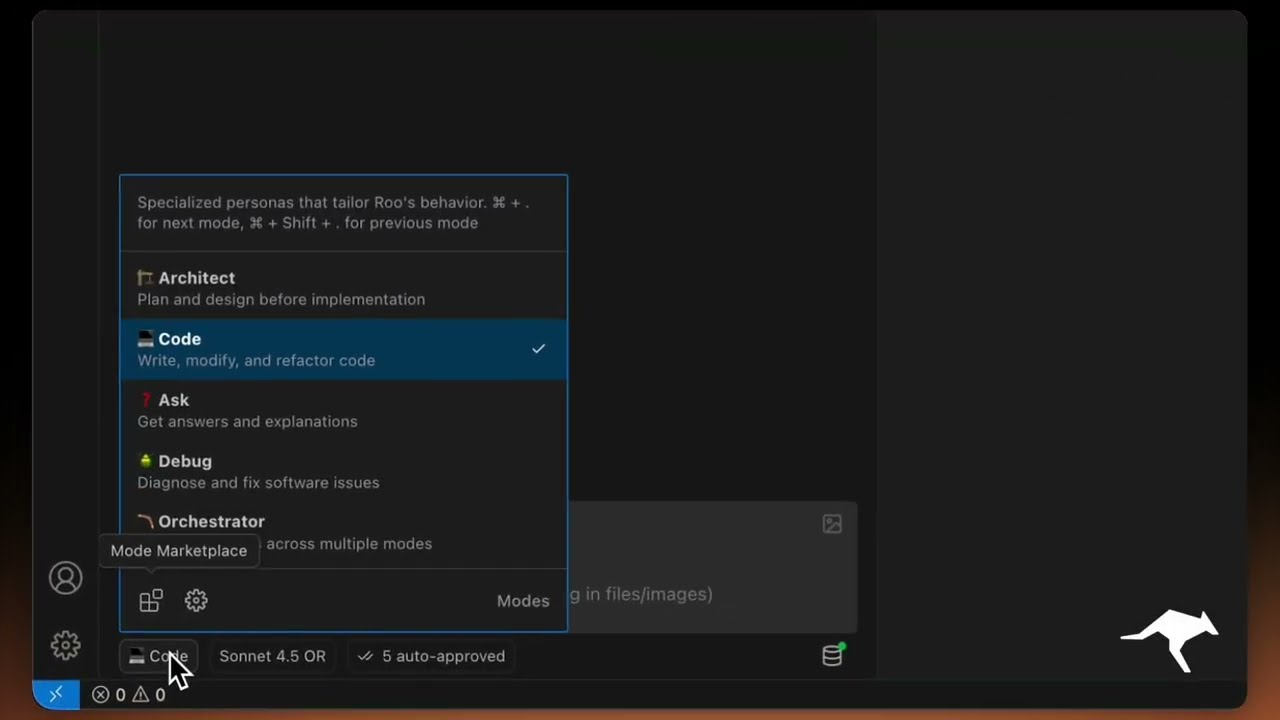 Custom Modes |
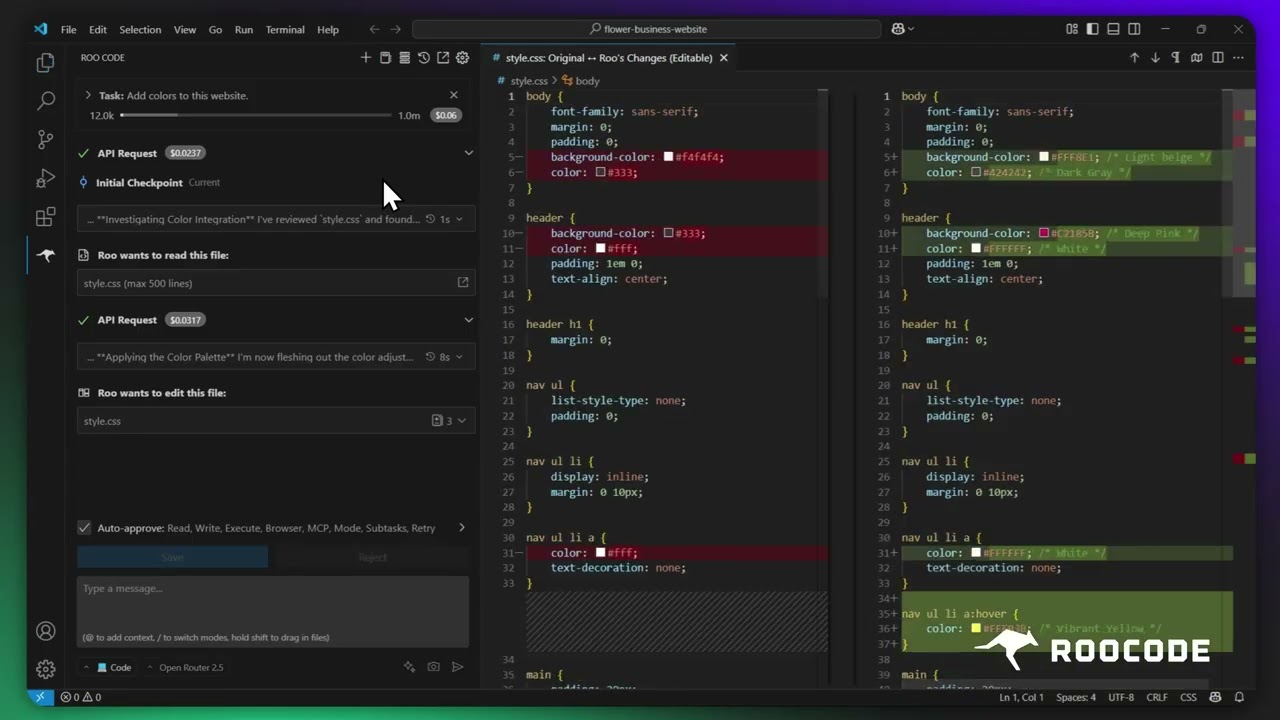 Checkpoints |
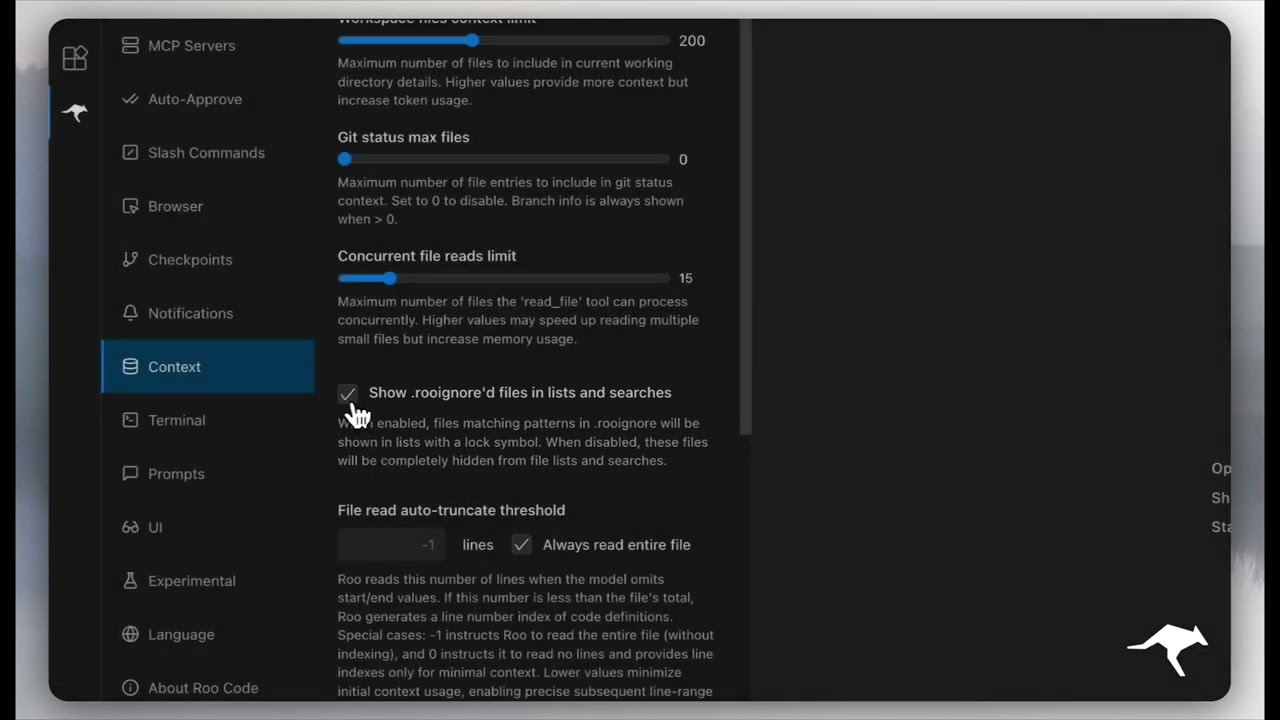 Context Management |
More quick tutorial and feature videos...
Resources
- Documentation: The official guide to installing, configuring, and mastering Roo Code.
- YouTube Channel: Watch tutorials and see features in action.
- Discord Server: Join the community for real-time help and discussion.
- Reddit Community: Share your experiences and see what others are building.
- GitHub Issues: Report bugs and track development.
- Feature Requests: Have an idea? Share it with the developers.
Local Setup & Development
- Clone the repo:
git clone https://github.com/RooCodeInc/Roo-Code.git
- Install dependencies:
pnpm install
- Run the extension:
There are several ways to run the Roo Code extension:
Development Mode (F5)
For active development, use VSCode's built-in debugging:
Press F5 (or go to Run → Start Debugging) in VSCode. This will open a new VSCode window with the Roo Code extension running.
- Changes to the webview will appear immediately.
- Changes to the core extension will also hot reload automatically.
Automated VSIX Installation
To build and install the extension as a VSIX package directly into VSCode:
pnpm install:vsix [-y] [--editor=<command>]
This command will:
- Ask which editor command to use (code/cursor/code-insiders) - defaults to 'code'
- Uninstall any existing version of the extension.
- Build the latest VSIX package.
- Install the newly built VSIX.
- Prompt you to restart VS Code for changes to take effect.
Options:
-y: Skip all confirmation prompts and use defaults--editor=<command>: Specify the editor command (e.g.,--editor=cursoror--editor=code-insiders)
Manual VSIX Installation
If you prefer to install the VSIX package manually:
- First, build the VSIX package:
pnpm vsix - A
.vsixfile will be generated in thebin/directory (e.g.,bin/roo-cline-<version>.vsix). - Install it manually using the VSCode CLI:
code --install-extension bin/roo-cline-<version>.vsix
We use changesets for versioning and publishing. Check our CHANGELOG.md for release notes.
Disclaimer
Please note that Roo Code, Inc does not make any representations or warranties regarding any code, models, or other tools provided or made available in connection with Roo Code, any associated third-party tools, or any resulting outputs. You assume all risks associated with the use of any such tools or outputs; such tools are provided on an "AS IS" and "AS AVAILABLE" basis. Such risks may include, without limitation, intellectual property infringement, cyber vulnerabilities or attacks, bias, inaccuracies, errors, defects, viruses, downtime, property loss or damage, and/or personal injury. You are solely responsible for your use of any such tools or outputs (including, without limitation, the legality, appropriateness, and results thereof).
Contributing
We love community contributions! Get started by reading our CONTRIBUTING.md.
License
Apache 2.0 © 2025 Roo Code, Inc.
Enjoy Roo Code! Whether you keep it on a short leash or let it roam autonomously, we can’t wait to see what you build. If you have questions or feature ideas, drop by our Reddit community or Discord. Happy coding!