 b598efb422
* feat: add per-task file-based history store for cross-instance safety

Implement TaskHistoryStore service that stores each task's HistoryItem
as an individual JSON file in its existing task directory. This prevents
silent data loss when multiple VS Code windows write to the shared
globalState taskHistory array concurrently.

Key changes:
- New TaskHistoryStore class with per-task file writes via safeWriteJson
- Index file (_index.json) for fast startup reads
- Reconciliation logic to detect and fix drift between instances
- fs.watch for cross-instance reactivity
- Debounced index writes (2s window) for streaming performance
- Migration from globalState on first startup
- Write-through to globalState during transition period
- Fallback lookups from globalState for backward compatibility

Files created:
- src/core/task-persistence/TaskHistoryStore.ts
- src/core/task-persistence/__tests__/TaskHistoryStore.spec.ts
- src/core/task-persistence/__tests__/TaskHistoryStore.crossInstance.spec.ts

Files modified:
- src/shared/globalFileNames.ts (added historyItem, historyIndex)
- src/core/task-persistence/index.ts (export TaskHistoryStore)
- src/core/webview/ClineProvider.ts (integrate store, remove write lock)
- Test files updated for new store-based approach

* fix: address review feedback - reconcile lock, init promise, write-through serialization

- reconcile() now runs through withLock() to prevent interleaving with
  upsert/delete at async boundaries
- Added initialized promise so callers can await store readiness before
  reading (getStateToPostToWebview now awaits it)
- Write-through to globalState now happens inside the store lock via
  onWrite callback, preventing concurrent call races on the transition
  period fallback
- Removed separate updateGlobalState("taskHistory") calls from
  ClineProvider since the onWrite callback handles it serialized

* fix: add TaskHistoryStore to task-persistence mock in Task.persistence.spec.ts

The test mocks task-persistence with an explicit factory that was
missing the new TaskHistoryStore export, causing all 9 tests to fail
with "No TaskHistoryStore export is defined on the mock".

* perf: debounce globalState write-through to avoid full-array writes on every mutation

Instead of writing the entire HistoryItem[] array to globalState on
every upsert/delete (expensive with 5000+ tasks), the write-through
is now debounced with a 5-second window. Per-task file writes remain
immediate (~200 bytes each). The globalState is flushed on dispose
to ensure no data loss on shutdown.

This makes the hot path during streaming (token count updates) write
only the per-task file, not the full array.

---------

Co-authored-by: Roo Code <roomote@roocode.com>
|
||
|---|---|---|
| .changeset | ||
| .github | ||
| .husky | ||
| .roo | ||
| .vscode | ||
| apps | ||
| locales | ||
| packages | ||
| releases | ||
| scripts | ||
| src | ||
| webview-ui | ||
| .dockerignore | ||
| .env.sample | ||
| .git-blame-ignore-revs | ||
| .gitattributes | ||
| .gitconfig | ||
| .gitignore | ||
| .nvmrc | ||
| .prettierrc.json | ||
| .rooignore | ||
| .roomodes | ||
| .tool-versions | ||
| AGENTS.md | ||
| CHANGELOG.md | ||
| CODE_OF_CONDUCT.md | ||
| CONTRIBUTING.md | ||
| ellipsis.yaml | ||
| knip.json | ||
| LICENSE | ||
| package.json | ||
| pnpm-lock.yaml | ||
| pnpm-workspace.yaml | ||
| PRIVACY.md | ||
| progress.txt | ||
| README.md | ||
| renovate.json | ||
| SECURITY.md | ||
| tsconfig.json | ||
| turbo.json | ||




Get help fast → Join Discord • Prefer async? → Join r/RooCode
Roo Code
Your AI-Powered Dev Team, Right in Your Editor
🌐 Available languages
What Can Roo Code Do For YOU?
- Generate Code from natural language descriptions and specs
- Adapt with Modes: Code, Architect, Ask, Debug, and Custom Modes
- Refactor & Debug existing code
- Write & Update documentation
- Answer Questions about your codebase
- Automate repetitive tasks
- Utilize MCP Servers
Modes
Roo Code adapts to how you work:
- Code Mode: everyday coding, edits, and file ops
- Architect Mode: plan systems, specs, and migrations
- Ask Mode: fast answers, explanations, and docs
- Debug Mode: trace issues, add logs, isolate root causes
- Custom Modes: build specialized modes for your team or workflow
- Roomote Control: Roomote Control lets you remotely control tasks running in your local VS Code instance.
Learn more: Using Modes • Custom Modes • Roomote Control
Tutorial & Feature Videos
 Installing Roo Code |
 Configuring Profiles |
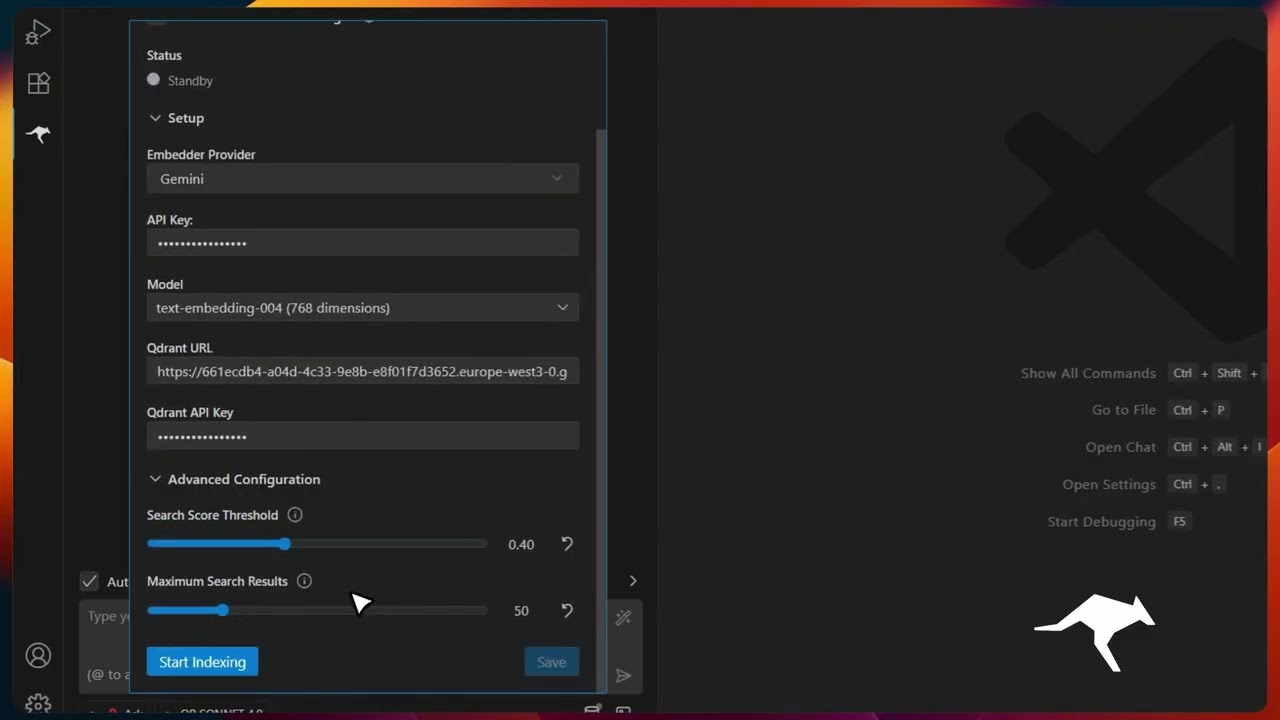 Codebase Indexing |
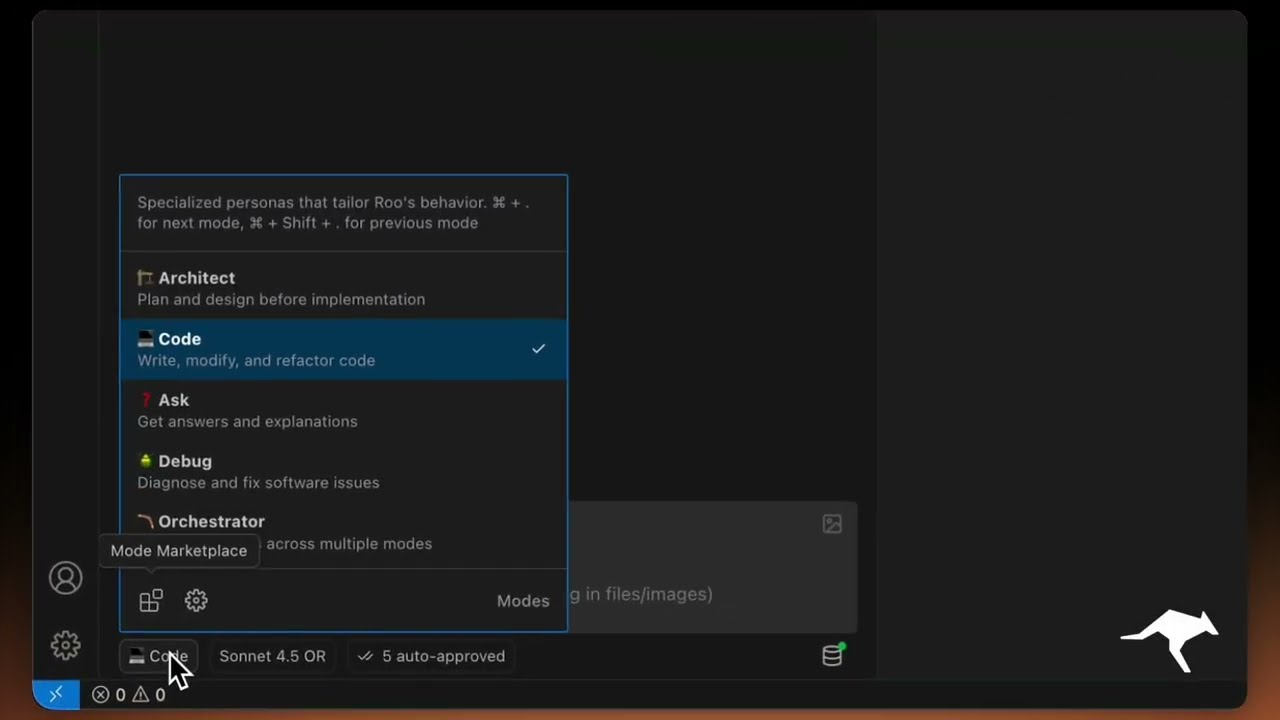 Custom Modes |
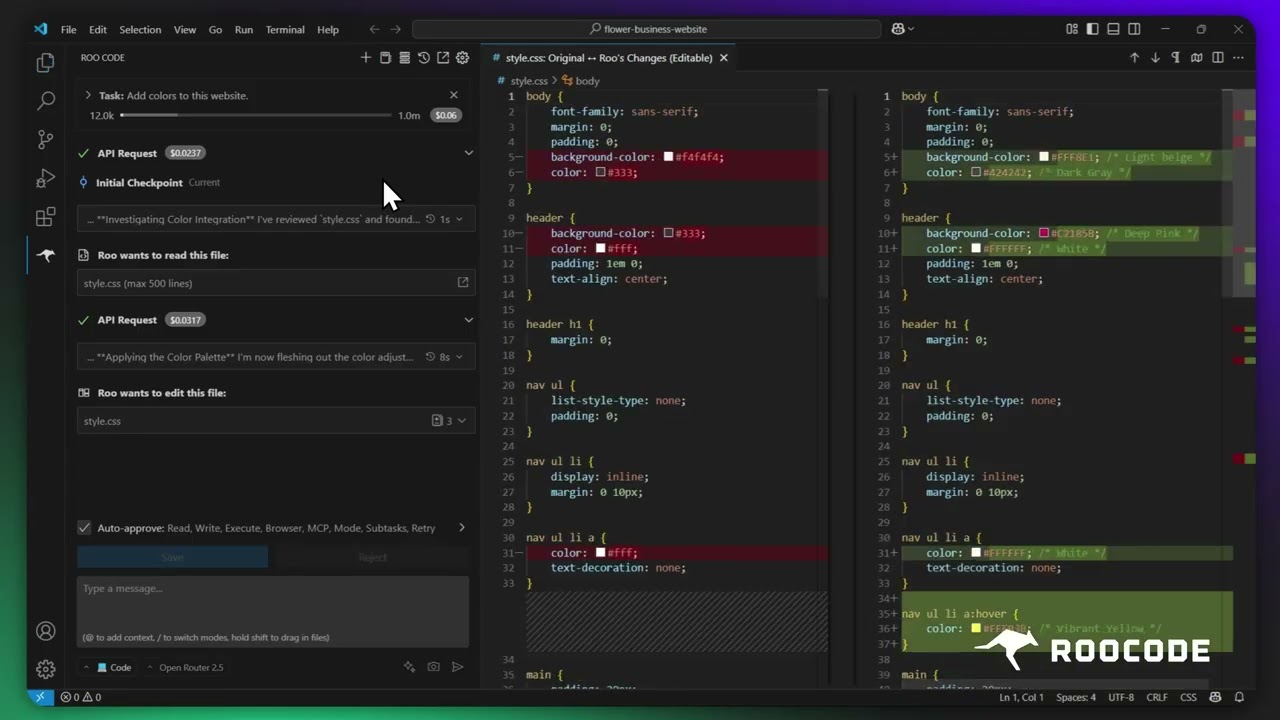 Checkpoints |
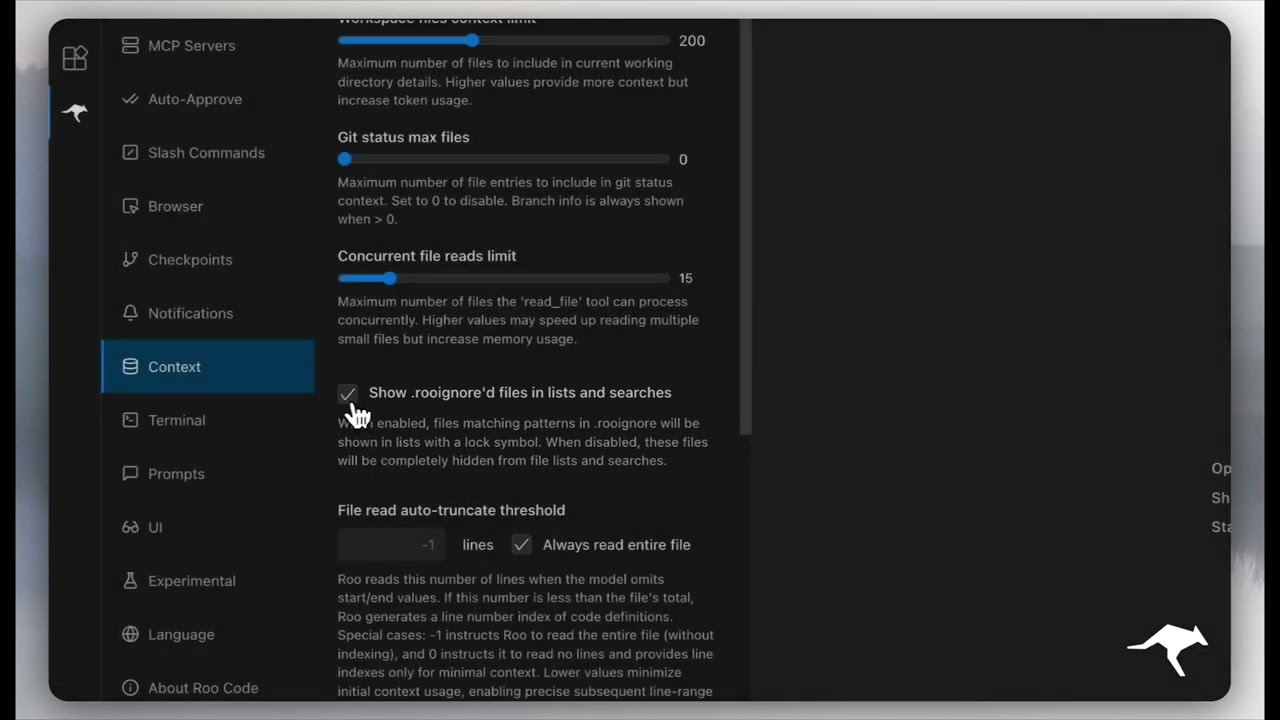 Context Management |
More quick tutorial and feature videos...
Resources
- Documentation: The official guide to installing, configuring, and mastering Roo Code.
- YouTube Channel: Watch tutorials and see features in action.
- Discord Server: Join the community for real-time help and discussion.
- Reddit Community: Share your experiences and see what others are building.
- GitHub Issues: Report bugs and track development.
- Feature Requests: Have an idea? Share it with the developers.
Local Setup & Development
- Clone the repo:
git clone https://github.com/RooCodeInc/Roo-Code.git
- Install dependencies:
pnpm install
- Run the extension:
There are several ways to run the Roo Code extension:
Development Mode (F5)
For active development, use VSCode's built-in debugging:
Press F5 (or go to Run → Start Debugging) in VSCode. This will open a new VSCode window with the Roo Code extension running.
- Changes to the webview will appear immediately.
- Changes to the core extension will also hot reload automatically.
Automated VSIX Installation
To build and install the extension as a VSIX package directly into VSCode:
pnpm install:vsix [-y] [--editor=<command>]
This command will:
- Ask which editor command to use (code/cursor/code-insiders) - defaults to 'code'
- Uninstall any existing version of the extension.
- Build the latest VSIX package.
- Install the newly built VSIX.
- Prompt you to restart VS Code for changes to take effect.
Options:
-y: Skip all confirmation prompts and use defaults--editor=<command>: Specify the editor command (e.g.,--editor=cursoror--editor=code-insiders)
Manual VSIX Installation
If you prefer to install the VSIX package manually:
- First, build the VSIX package:
pnpm vsix - A
.vsixfile will be generated in thebin/directory (e.g.,bin/roo-cline-<version>.vsix). - Install it manually using the VSCode CLI:
code --install-extension bin/roo-cline-<version>.vsix
We use changesets for versioning and publishing. Check our CHANGELOG.md for release notes.
Disclaimer
Please note that Roo Code, Inc does not make any representations or warranties regarding any code, models, or other tools provided or made available in connection with Roo Code, any associated third-party tools, or any resulting outputs. You assume all risks associated with the use of any such tools or outputs; such tools are provided on an "AS IS" and "AS AVAILABLE" basis. Such risks may include, without limitation, intellectual property infringement, cyber vulnerabilities or attacks, bias, inaccuracies, errors, defects, viruses, downtime, property loss or damage, and/or personal injury. You are solely responsible for your use of any such tools or outputs (including, without limitation, the legality, appropriateness, and results thereof).
Contributing
We love community contributions! Get started by reading our CONTRIBUTING.md.
License
Apache 2.0 © 2025 Roo Code, Inc.
Enjoy Roo Code! Whether you keep it on a short leash or let it roam autonomously, we can’t wait to see what you build. If you have questions or feature ideas, drop by our Reddit community or Discord. Happy coding!