mirror of
https://github.com/RooVetGit/Roo-Code.git
synced 2026-10-17 04:34:21 +00:00
 d00f1a2bb8
* feat: remove Roomote Control from extension Remove all Roomote Control (remote control) functionality: - Remove BridgeOrchestrator and entire bridge directory from @roo-code/cloud - Remove remoteControlEnabled, featureRoomoteControlEnabled from extension state - Remove extensionBridgeEnabled from CloudUserInfo and user settings - Remove roomoteControlEnabled from organization/user feature schemas - Remove enableBridge from Task and ClineProvider - Remove remote control toggle from CloudView UI - Remove remoteControlEnabled message handler - Remove extension bridge disconnect on logout/deactivate - Update CloudTaskButton to show for all logged-in users - Remove remote control translation strings from all locales - Update all related tests CLO-765 * fix: remove dead getOrganizationMetadata and unused socket.io-client dep * Readmes * Readmes * Types * fix: remove leftover Roomote Control references from locale READMEs and stale BridgeOrchestrator mock * Removes cloudtaskbutton * fix: remove orphaned qrcode packages and dead openInCloud translation keys * pnpmlock * Revert these * Revert these * Revert these * Remove socket.io --------- Co-authored-by: Roo Code <roomote@roocode.com> Co-authored-by: Bruno Bergher <bruno@roocode.com> Co-authored-by: cte <cestreich@gmail.com> |
||
|---|---|---|
| .. | ||
| CODE_OF_CONDUCT.md | ||
| CONTRIBUTING.md | ||
| README.md | ||




快速获取帮助 → 加入 Discord • 偏好异步?→ 加入 r/RooCode
Roo Code
你的 AI 驱动开发团队,就在你的编辑器里
🌐 可用语言
Roo Code 能为您做什么?
- 从自然语言描述生成代码
- 使用模式进行调整:代码、架构师、提问、调试和自定义模式
- 重构和调试现有代码
- 编写和更新文档
- 回答关于您的代码库的问题
- 自动化重复性任务
- 使用 MCP 服务器
模式
Roo Code 适应您的工作方式,而不是相反:
- 代码模式:日常编码、编辑和文件操作
- 架构师模式:规划系统、规范和迁移
- 提问模式:快速回答、解释和文档
- 调试模式:跟踪问题、添加日志、隔离根本原因
- 自定义模式:为您的团队或工作流程构建专门的模式
教程和功能视频
 安装 Roo Code |
 配置个人资料 |
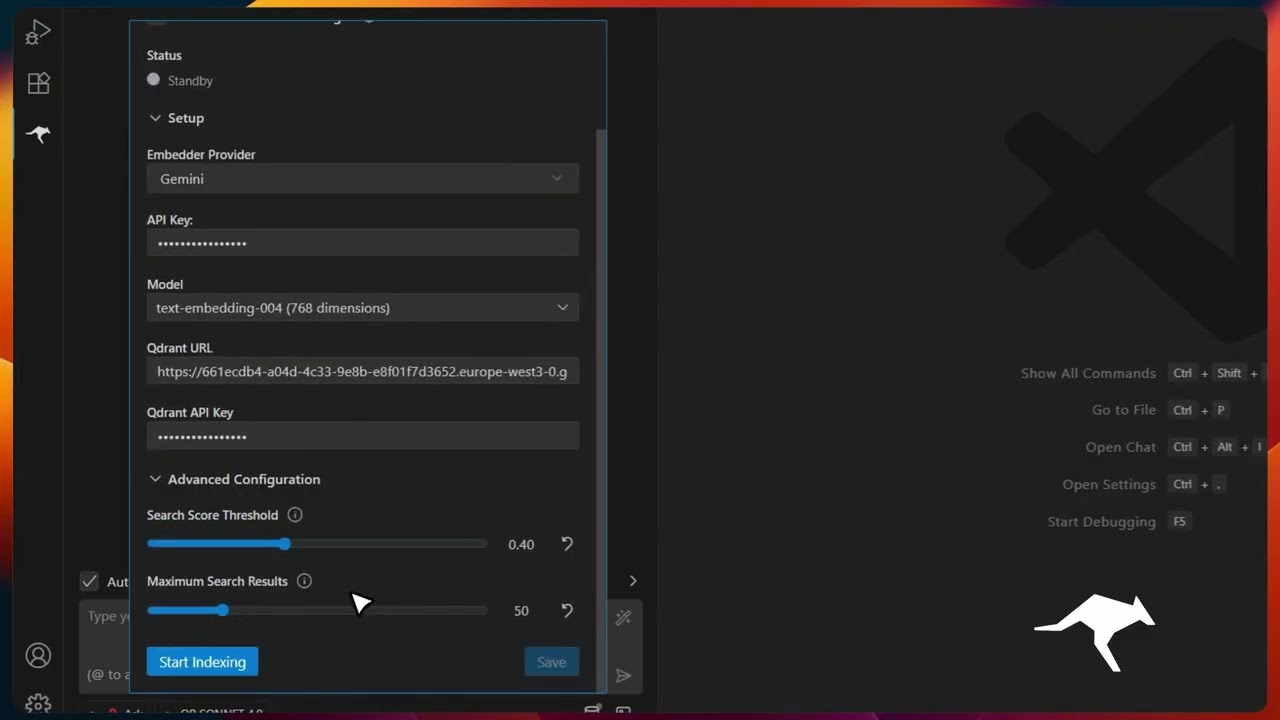 代码库索引 |
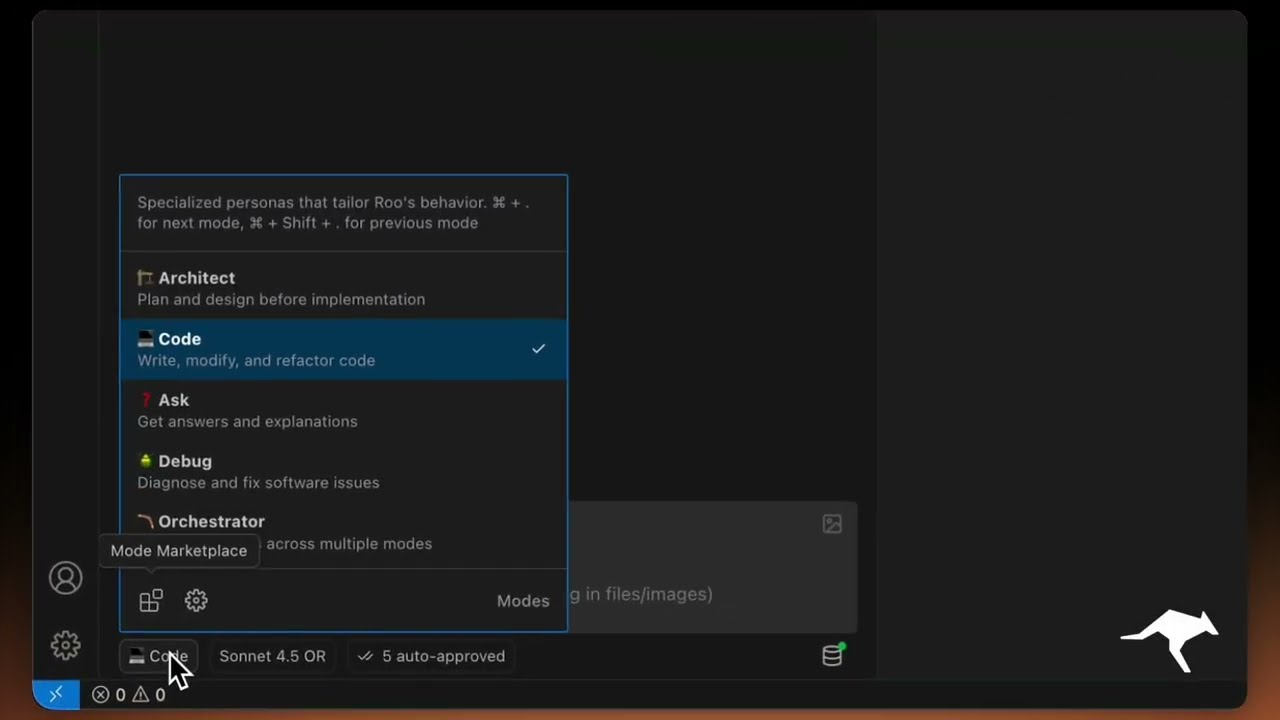 自定义模式 |
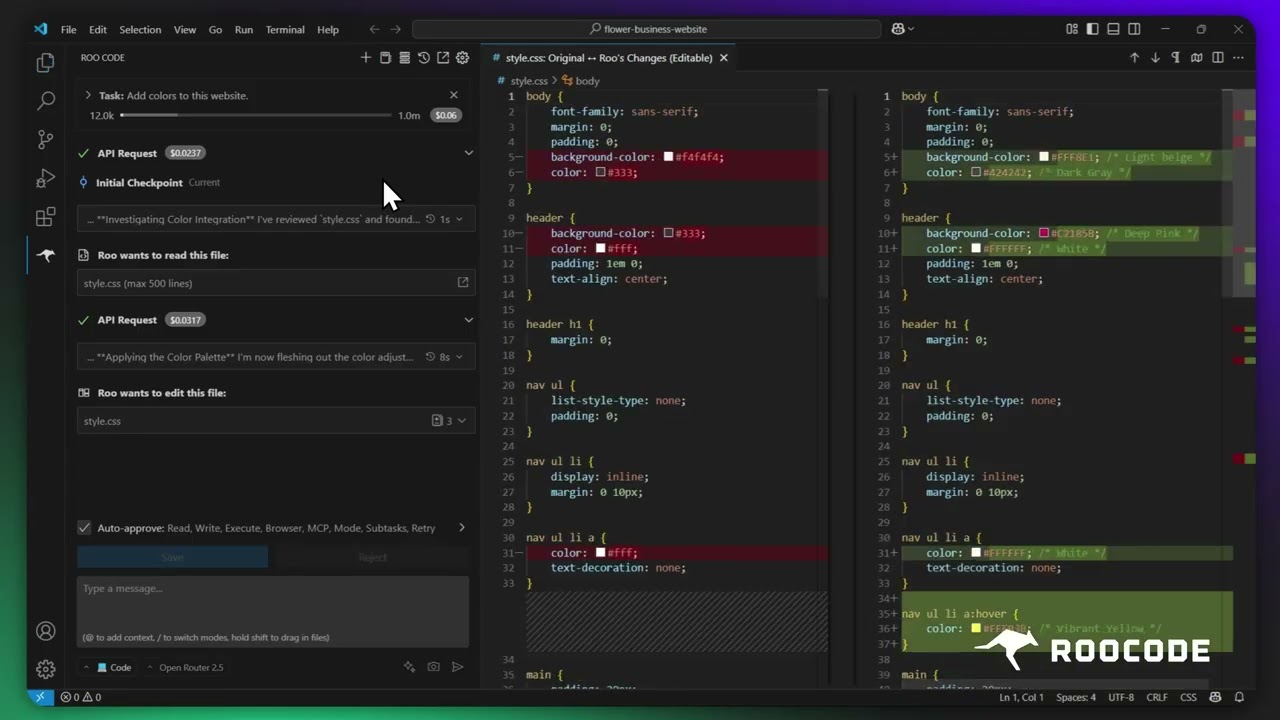 检查点 |
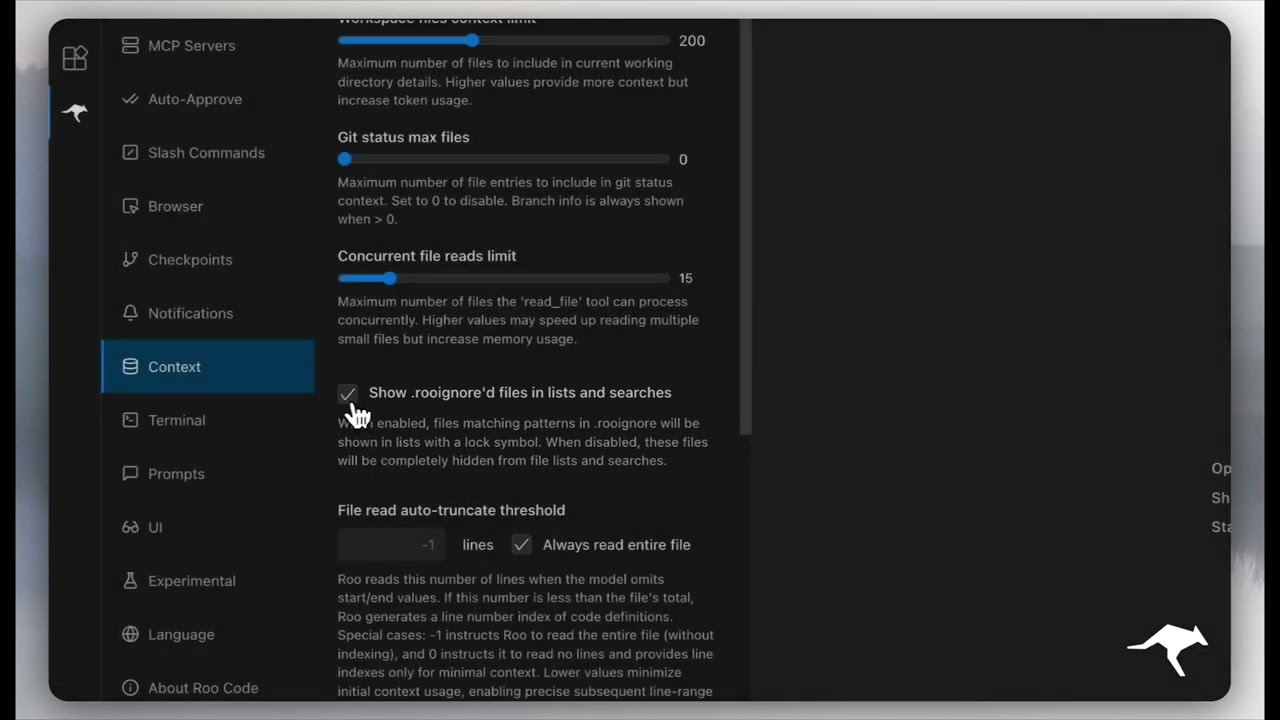 上下文管理 |
资源
- 文档: 安装、配置和掌握 Roo Code 的官方指南。
- YouTube 频道: 观看教程和功能演示。
- Discord 服务器: 加入社区以获得实时帮助和讨论。
- Reddit 社区: 分享您的经验,看看别人在构建什么。
- GitHub 问题: 报告错误并跟踪开发。
- 功能请求: 有想法吗?与开发人员分享。
本地设置与开发
- 克隆仓库:
git clone https://github.com/RooCodeInc/Roo-Code.git
- 安装依赖项:
pnpm install
- 运行扩展程序:
有几种方法可以运行 Roo Code 扩展程序:
开发模式(F5)
对于积极开发,请使用 VSCode 的内置调试功能:
在 VSCode 中按 F5(或转到 Run → Start Debugging)。这将在运行 Roo Code 扩展程序的新 VSCode 窗口中打开。
- 对 webview 的更改将立即显示。
- 对核心扩展程序的更改也会自动热重载。
自动化 VSIX 安装
要将扩展程序构建为 VSIX 包并直接安装到 VSCode 中:
pnpm install:vsix [-y] [--editor=<command>]
此命令将:
- 询问要使用的编辑器命令(code/cursor/code-insiders) - 默认为“code”
- 卸载任何现有版本的扩展程序。
- 构建最新的 VSIX 包。
- 安装新构建的 VSIX。
- 提示您重新启动 VS Code 以使更改生效。
选项:
-y: 跳过所有确认提示并使用默认值--editor=<command>: 指定编辑器命令(例如,--editor=cursor或--editor=code-insiders)
手动 VSIX 安装
如果您希望手动安装 VSIX 包:
- 首先,构建 VSIX 包:
pnpm vsix - 将在
bin/目录中生成一个.vsix文件(例如,bin/roo-cline-<version>.vsix)。 - 使用 VSCode CLI 手动安装
code --install-extension bin/roo-cline-<version>.vsix
我们使用 changesets 进行版本控制和发布。有关发行说明,请查看我们的 CHANGELOG.md。
免责声明
请注意,Roo Code, Inc. 不对与 Roo Code 相关的任何代码、模型或其他工具、任何相关的第三方工具或任何由此产生的输出作出任何陈述或保证。您承担使用任何此类工具或输出的所有风险;此类工具均按**“原样”和“可用”**的基础提供。此类风险可能包括但不限于知识产权侵权、网络漏洞或攻击、偏见、不准确、错误、缺陷、病毒、停机、财产损失或损害和/或人身伤害。您对自己使用任何此类工具或输出负全部责任(包括但不限于其合法性、适当性和结果)。
贡献
我们欢迎社区贡献!请阅读我们的 CONTRIBUTING.md 开始。
许可证
Apache 2.0 © 2025 Roo Code, Inc.
享受 Roo Code! 无论您是让它保持短绳还是让它自主漫游,我们都迫不及待地想看看您会构建什么。如果您有问题或功能想法,请访问我们的 Reddit 社区或 Discord。编码愉快!